Short answer: Retrieval-augmented generation (RAG) is a way of answering in which the system first looks up the most relevant passages in your own documents and gives them to the language model together with the question. The answer is then based on that text, not only on what the model learned in training. An assistant needs RAG when the information it must answer from is large, changes often or belongs only to your business. If all of it fits in the prompt, you may not need RAG at all.
Where the idea comes from
The term comes from a 2020 paper by Patrick Lewis and colleagues, presented at NeurIPS. They paired a language model, which keeps knowledge in its weights, with a separate searchable index of documents that a retriever looks things up in. The authors reported that this combination produced more specific and more factual text than the language model on its own. They also argued that a separate index makes knowledge easier to update and answers easier to trace, both of which are hard when everything lives inside the model.
How RAG works, step by step
- Split the documents. Product pages, policies and help articles are cut into smaller passages, often called chunks.
- Index them. Each chunk is stored so it can be found later: as an embedding for meaning-based search, in a keyword index such as BM25, or both.
- Retrieve at question time. When a question arrives, the system finds the chunks that best match it.
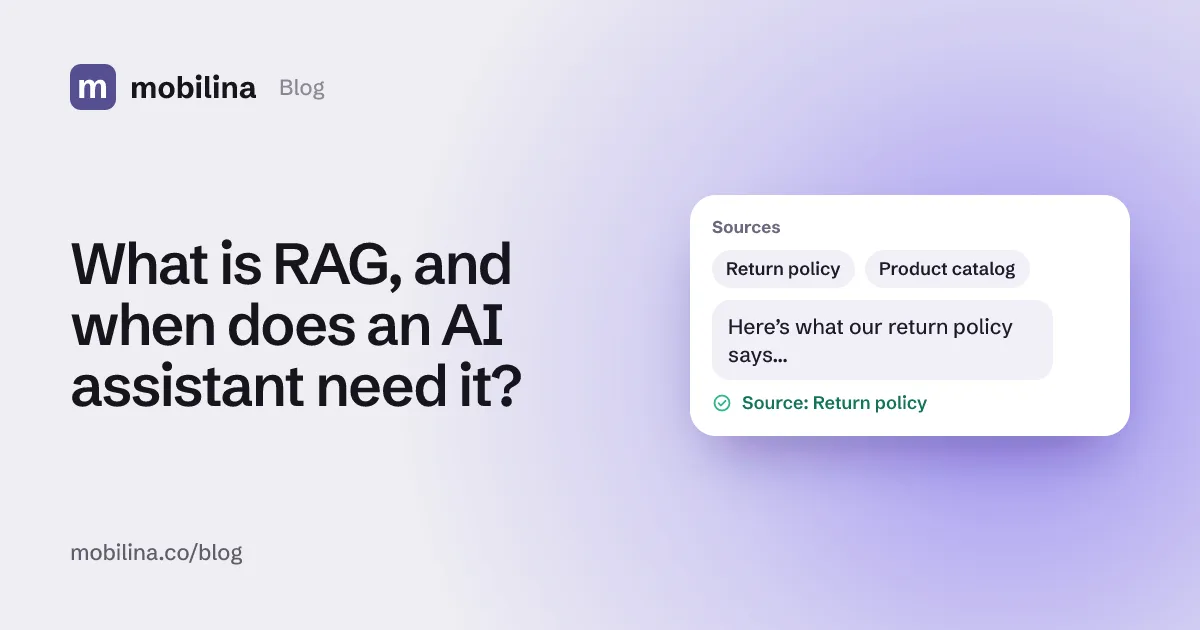
- Answer from the retrieved text. The chunks go into the prompt with an instruction to answer from them and, ideally, to say which source each answer came from.
When you can skip RAG
Anthropic notes that if a knowledge base is smaller than about 200,000 tokens, roughly 500 pages, you can put the whole thing in the prompt without retrieval. Prompt caching makes this faster and cheaper to repeat.
| Everything in the prompt | RAG | |
|---|---|---|
| Knowledge size | Small (up to ~500 pages) | Large or growing |
| Updates | Re-send the content | Re-index only what changed |
| Cost per question | Higher without caching | Only the retrieved passages are sent |
| Main risk | Hitting context limits | Missing the right passage |
What usually goes wrong
The most common failure is a chunk that has lost its context. Anthropic’s example is a passage that says revenue “grew by 3% over the previous quarter” without naming the company or the quarter. Found on its own, it can’t be used correctly.
Anthropic’s Contextual Retrieval adds a short explanation to each chunk before indexing it. In their tests, the retrieval failure rate for the top 20 chunks (1 minus recall@20) fell from 5.7%:
- by 35%, to 3.7%, with contextual embeddings,
- by 49%, to 2.9%, when contextual embeddings were combined with contextual BM25,
- by 67%, to 1.9%, when a reranking step was added on top.
These figures come from Anthropic’s own benchmarks; results on your documents will depend on your content and questions.
What to check in an assistant that uses your documents
- Does it show its source? An answer that points to the policy or page it came from can be checked.
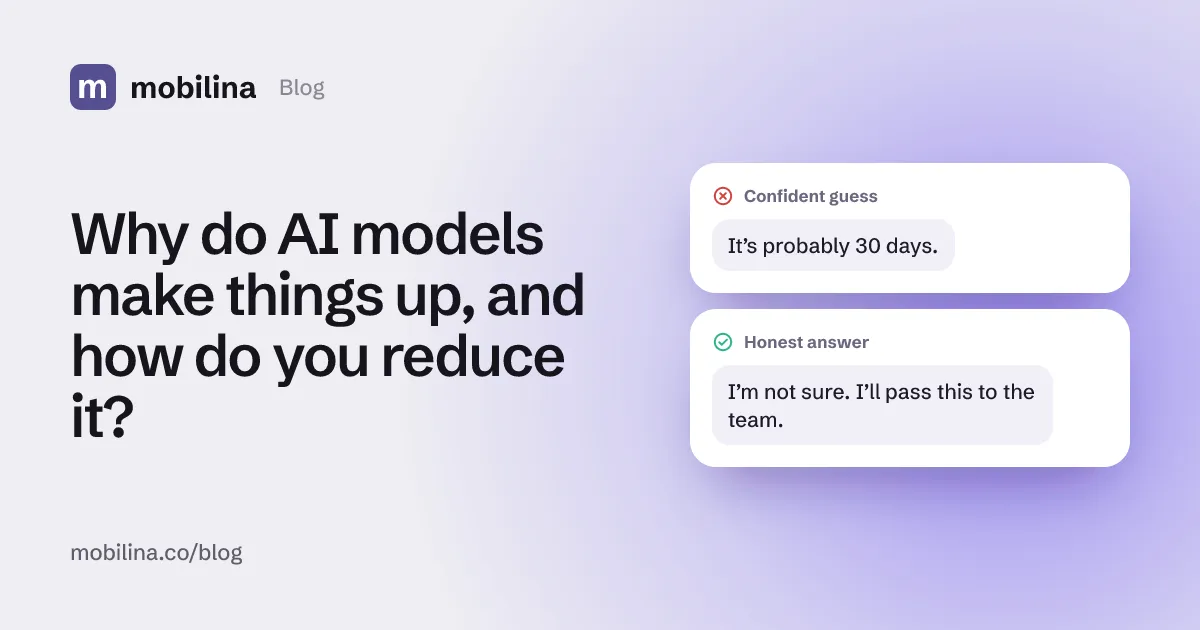
- What happens when nothing is found? The right behaviour is to say so or hand the conversation to a person, not to answer from general knowledge.
- How fast do updates show up? A changed price or opening hour should reach answers quickly.
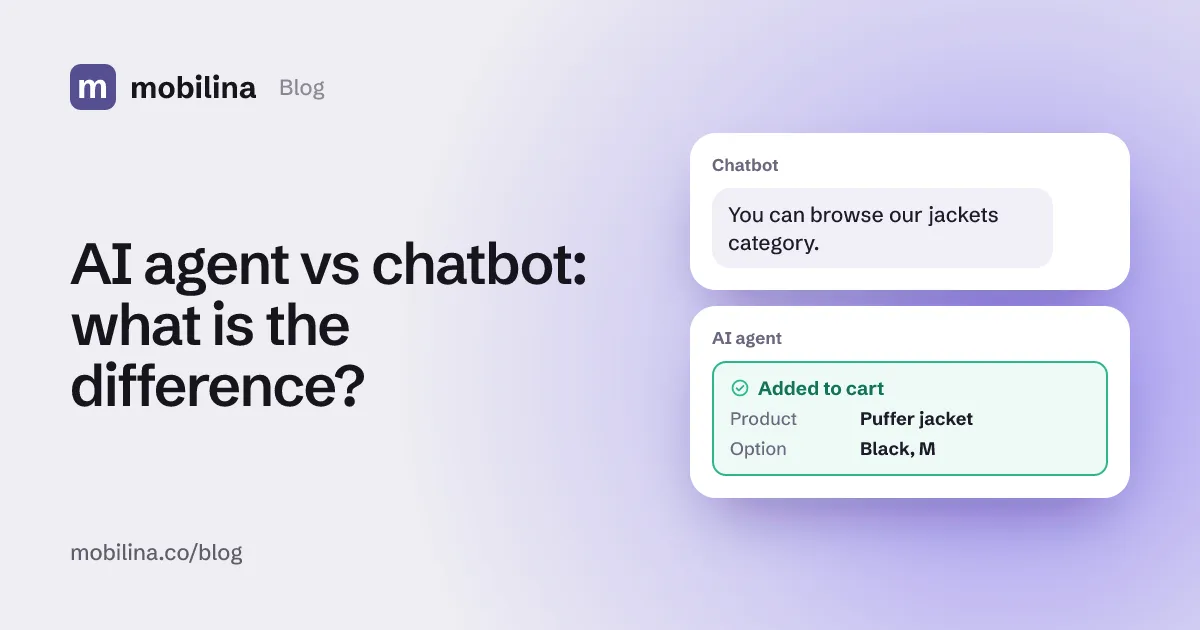
This is the behaviour Agenola, the AI agent in Mobilina’s portfolio, is built around: it answers from the business’s catalog, policies and added knowledge, and when it isn’t sure it opens a request for the team instead of guessing. For how this differs from a scripted chatbot, see AI agent vs chatbot.
Summary
- RAG retrieves passages from your documents and answers from them.
- Under roughly 500 pages, putting everything in the prompt is often simpler.
- Most failures are retrieval failures; adding context to chunks and reranking help.
- A good assistant shows its sources and admits when it found nothing.